None found
Your search returned no hits.

95% of all problems already have a solution in our knowledgebase

Added: 07.11.2018 07:12:26 Last updated: 27.07.2020 16:05:35
This guide shows you how to create a Python application in cPanel.
The guide assumes that you are already logged into cPanel.
Step 1:
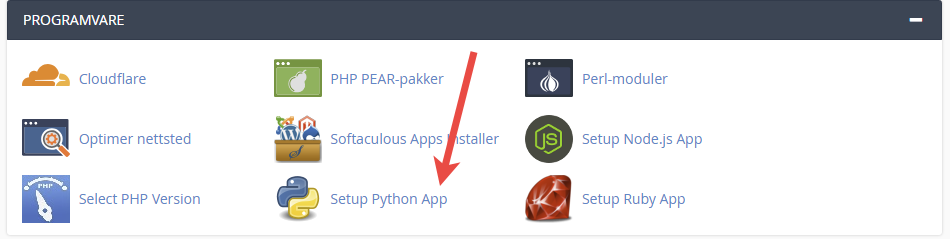
Click the "Setup Python App" icon.
Step 2:
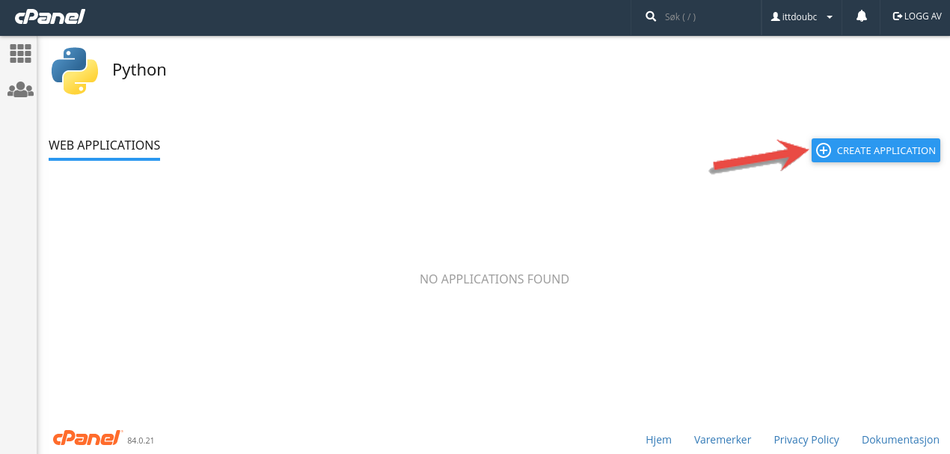
Press the "Create Application" button.
Step 3:
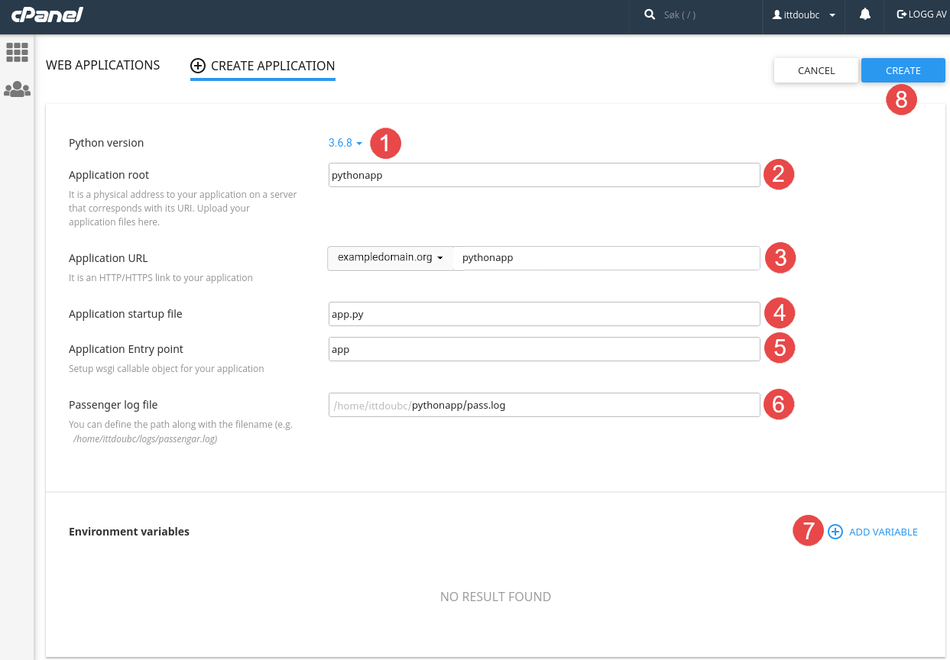
Step 4:
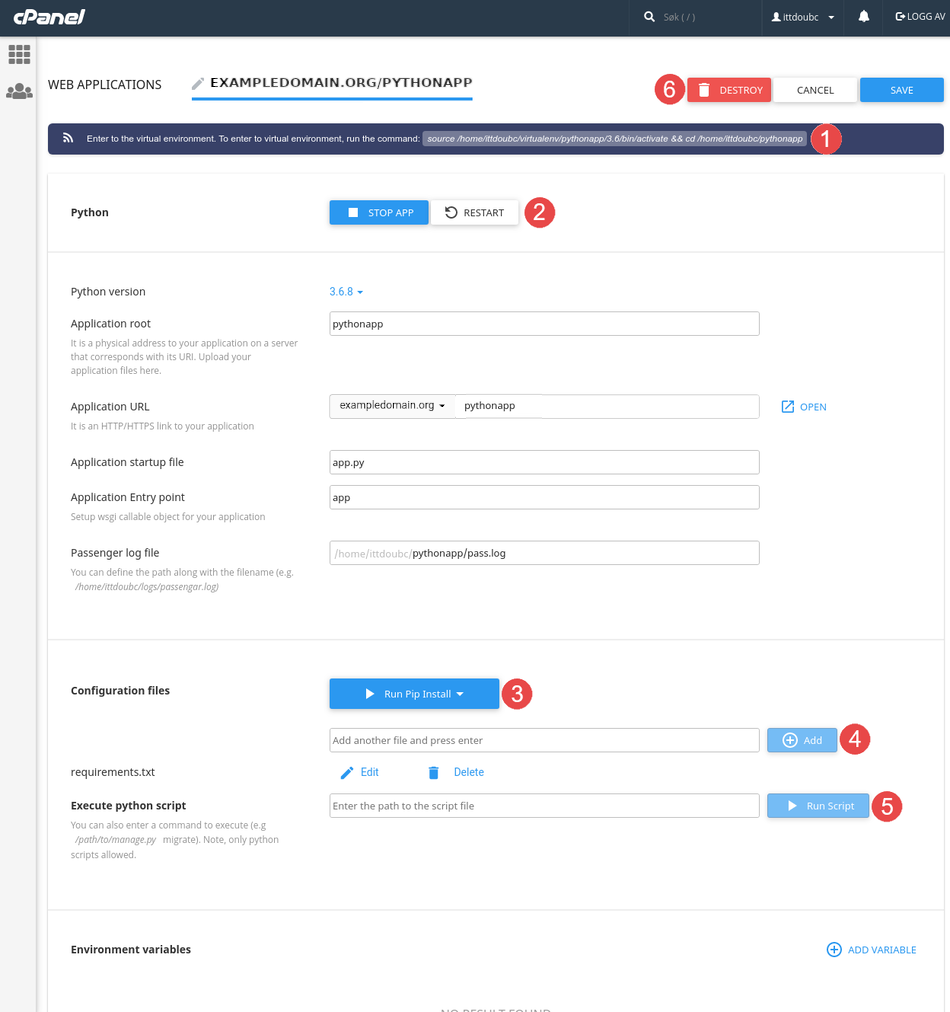
You can now make changes and manage the python application.
Finished
We have now gone through how to create a Python application, as well as how to manage, update the environment and delete it.